
Materials and Preparation Required for Access Point Installation
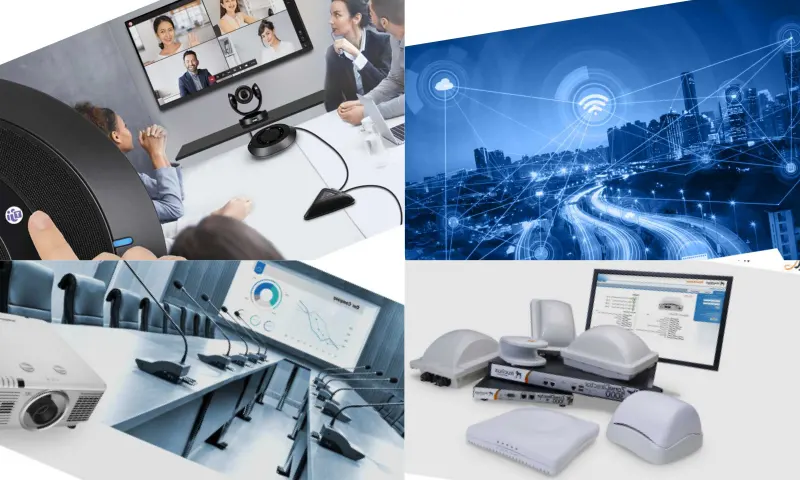
Connecting the Access Point
Before you can set up your Access Point, you will need some basic materials. You can visit the following address to learn more about Access Points: https://www.quicklyserv.com/indoor-ic-mekan-access-point/. These materials include the Access Point device itself, an Ethernet cable, a router or modem, and a suitable power supply. A single Ethernet cable will be sufficient for both power and data transmission. It is also important to determine the scope of the area where you will perform the installation and the location of the device. By placing your device in a central location, you can ensure that the signal reaches the widest area.
Access Point and Software Settings
Connect your Access Point to a power outlet and turn it on. If you are using a PoE-enabled Access Point, you can power the device through the same Ethernet cable after connecting it to your router or modem. Check that the lights on your device are lit correctly. Then, connect your device to the router or modem using an Ethernet cable. This connection is necessary to provide internet access. After establishing the connection, check if the internet connection light on your device is lit. Once your Access Point is physically connected, it's time for software settings and configuration. To access the management panel, use a computer or mobile device and log in to the IP address via a browser. The IP address is usually found on the bottom of the device or in the user manual. After logging into the management panel, sign in with your username and password. Typically, default username and password are used. You can find this information in the device's manual. After logging into the management panel, you will need to configure the wireless network settings. Here, set basic settings such as SSID (Network Name) and password. When configuring security settings, protect your network by choosing a strong encryption method like WPA3 or WPA2.